GitArt
Paint your GitHub contribution Graph
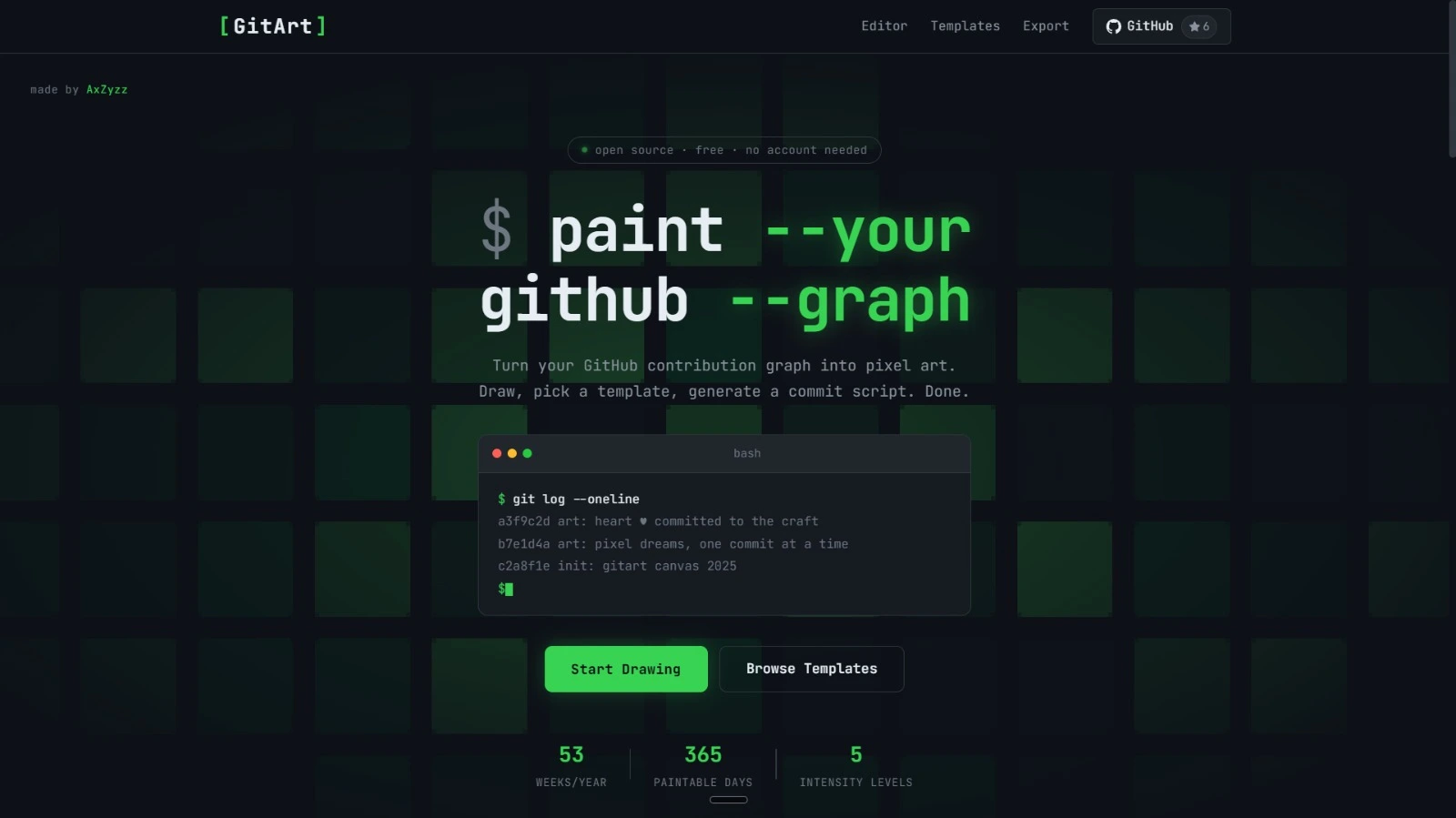
Your GitHub contribution graph is a 52×7 grid of green squares. GitArt gives you a visual editor to click and design any pattern on that grid, then handles all the technical work of generating the Git commits needed to produce that exact design on your real GitHub profile.
GitArt Solutions Built for Scale
Visual Grid Editor
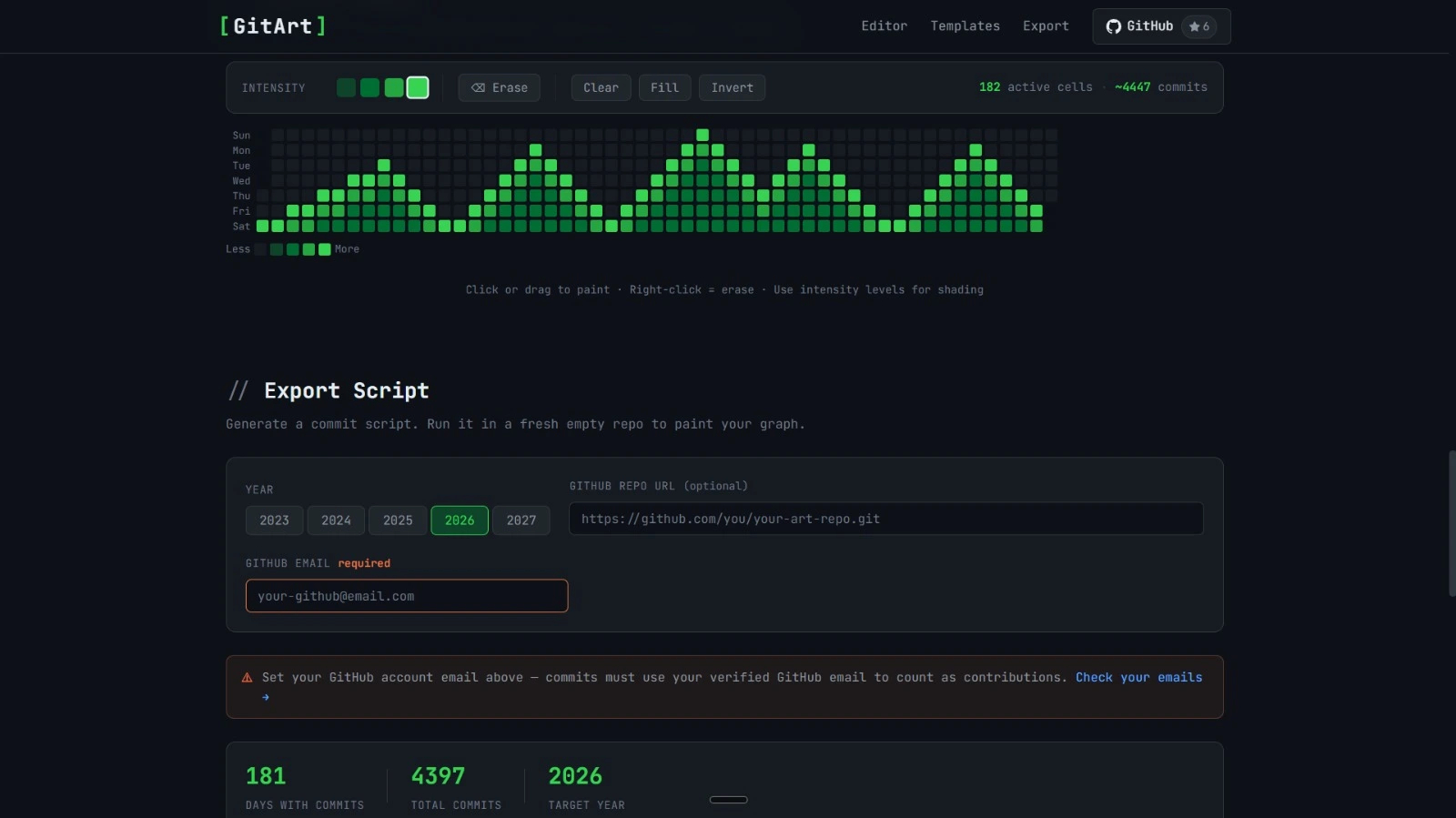
Click-to-draw interface on a real GitHub-style contribution grid. No coding required to design your pattern.
Year Selector
Choose which year's contribution graph to paint. Pick a year before you joined GitHub for the cleanest result.
Instant Script Output
Once your design is ready, GitArt produces complete, copy-paste-ready terminal commands, no manual scripting needed.
Custom Patterns
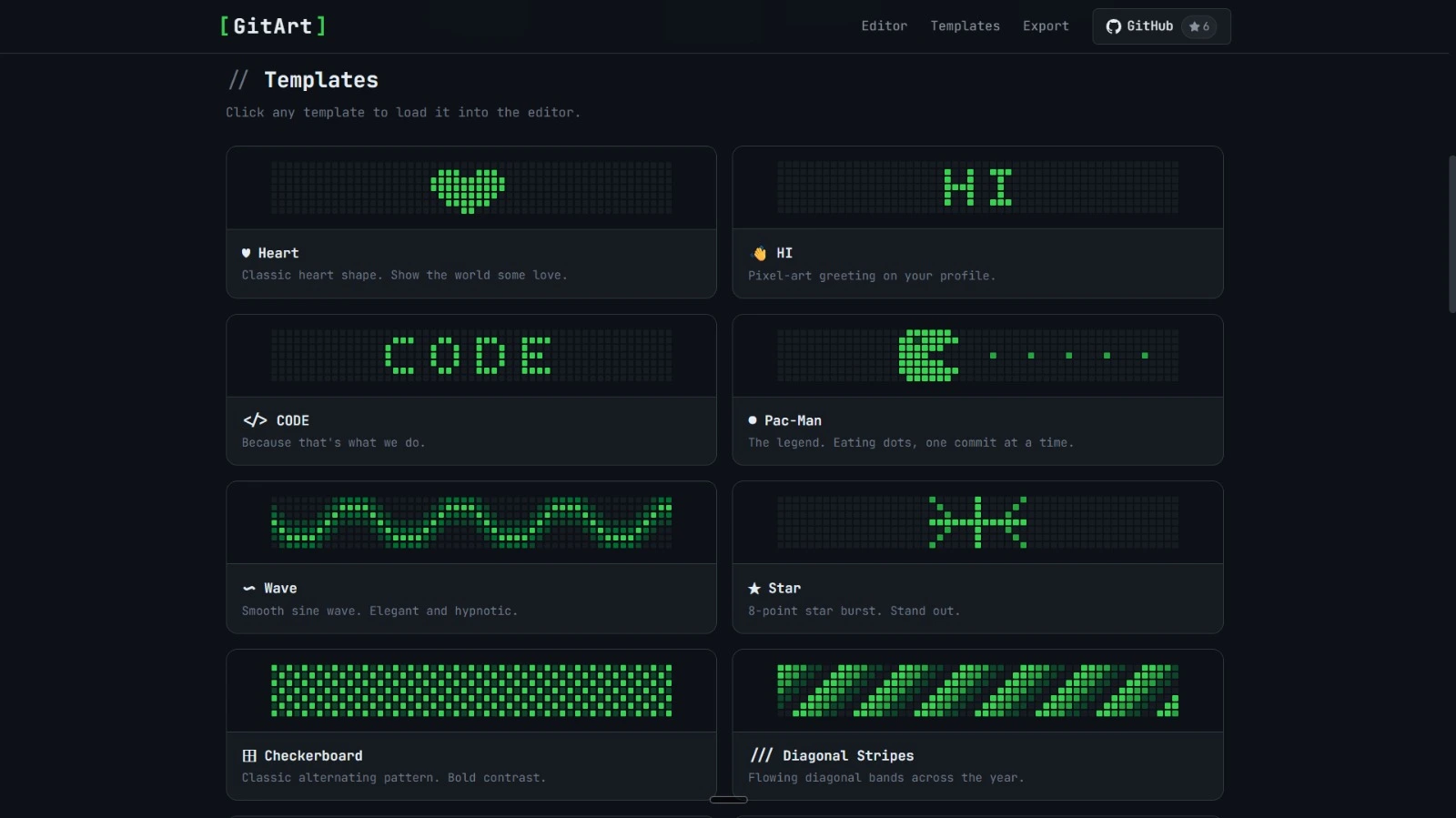
Names, words, symbols, logos, pixel art. If it fits in the GitHub contribution grid, GitArt can generate it.
Two Generation Modes
Auto-generate with GitHub Actions (one-click, no local setup) or generate raw Git commands for full manual control.
Free to Use
No account required. Open the tool, design your pattern, generate, done. Completely free.
Why Choose GitArt as Your Customization Partner
01 Design Your Pattern
Open the visual grid editor. Click squares to draw your name, a message, a logo, or any shape. Select the year you want it to appear on.
02 Generate the Commits
Choose auto-generate via GitHub Actions, or get a ready-to-run shell script of backdated Git commit commands for your terminal.
03 Push and It's Live
Follow the short setup steps, run the script, push to GitHub, and your contribution graph shows your design instantly.
Ready to try
GitArt?
Turn your GitHub contribution graph into pixel art. Draw names, messages, symbols, or any pattern, then generate the exact Git commands to make it real.